
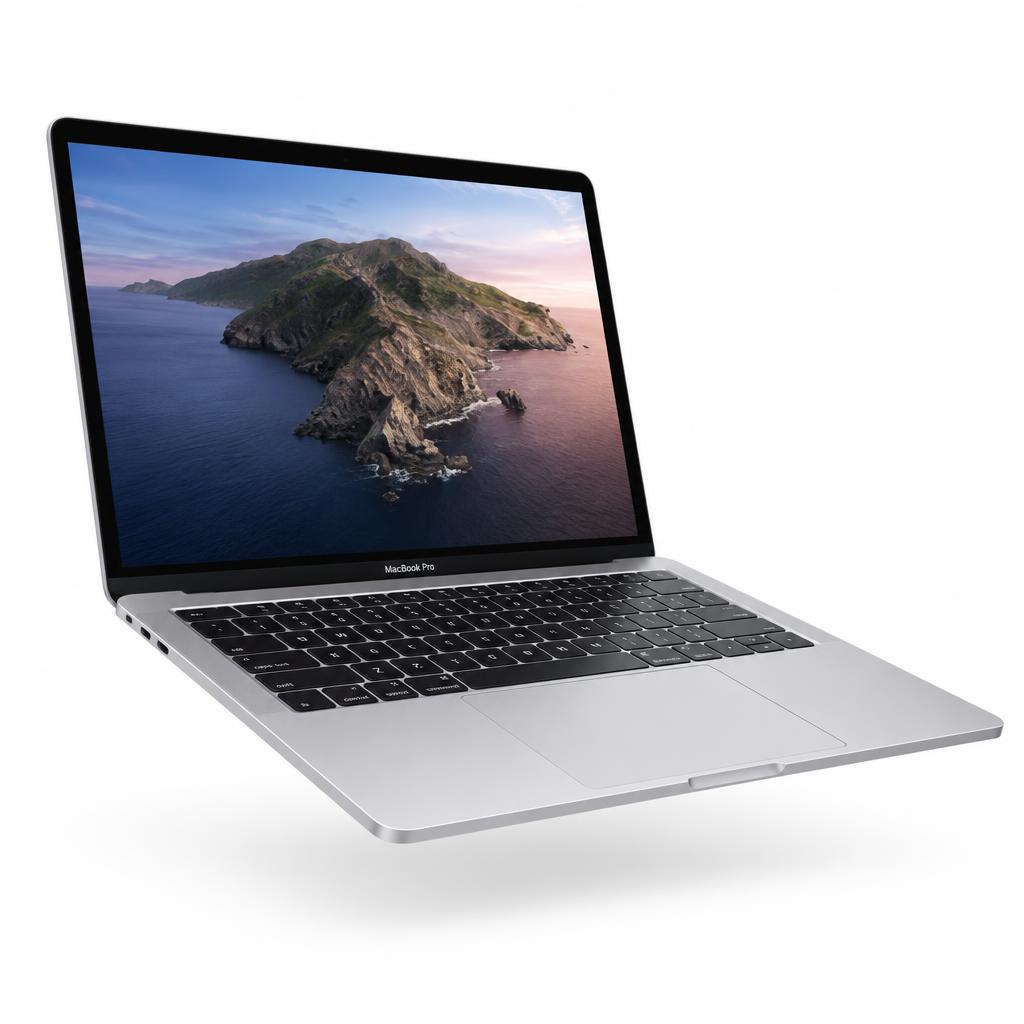
Choosing between a MacBook Air and a MacBook Pro is one of the most common questions we hear in our Lahore store. Both run the same macOS, both are built from aluminium, and both feel fast for everyday work. The difference shows up in how you use your laptop over a full day, and over the years you keep it.
Start with the work you do most
For browsing, email, documents, online classes, spreadsheets and light photo editing, the MacBook Air is more than enough. It is thin, light and completely silent because it has no fan. Students, office professionals and anyone who travels often usually find that the Air covers everything they need while being easier to carry.
If your day involves long video exports, large design files, music production, software development with heavy builds or 3D work, the MacBook Pro is the better tool. Its cooling system lets the chip run at full speed for longer, so demanding tasks finish sooner and the laptop stays consistent under load.
Screen, battery and ports
The MacBook Pro's display is brighter, supports a higher refresh rate and handles HDR content beautifully, which matters if you edit photos or video. The Air's screen is still sharp and pleasant for daily use. Battery life is excellent on both; the Pro generally lasts a little longer during heavier work.
Ports are another practical difference. The Pro includes HDMI, an SD card slot and extra Thunderbolt ports, so you need fewer adapters. The Air keeps things minimal with two Thunderbolt ports and MagSafe charging, which is fine if you mostly work wirelessly.
Memory and storage matter more than the badge
Whichever model you pick, think carefully about memory and storage, because they cannot be upgraded later. Sixteen gigabytes of unified memory is a comfortable starting point for most people today. If you keep many apps and browser tabs open, or work with creative software, consider 24GB or more. For storage, 512GB gives breathing room for photos, projects and system updates.
Our simple recommendation
Choose the MacBook Air if portability, silence and value are your priorities. Choose the MacBook Pro if you regularly push your laptop hard and want extra ports and a better display. Before buying, check the condition, battery health and warranty of the unit, and ask to see it in person if you can.
Our team is happy to compare both side by side in store, so you can feel the weight, test the keyboard and see the screens before making a decision you will be happy with for years.